


As I was updating my foundation app on my Macbook I ran into an issue that foundation crashed and the webpage (http://localhost:8000) is not reachable.
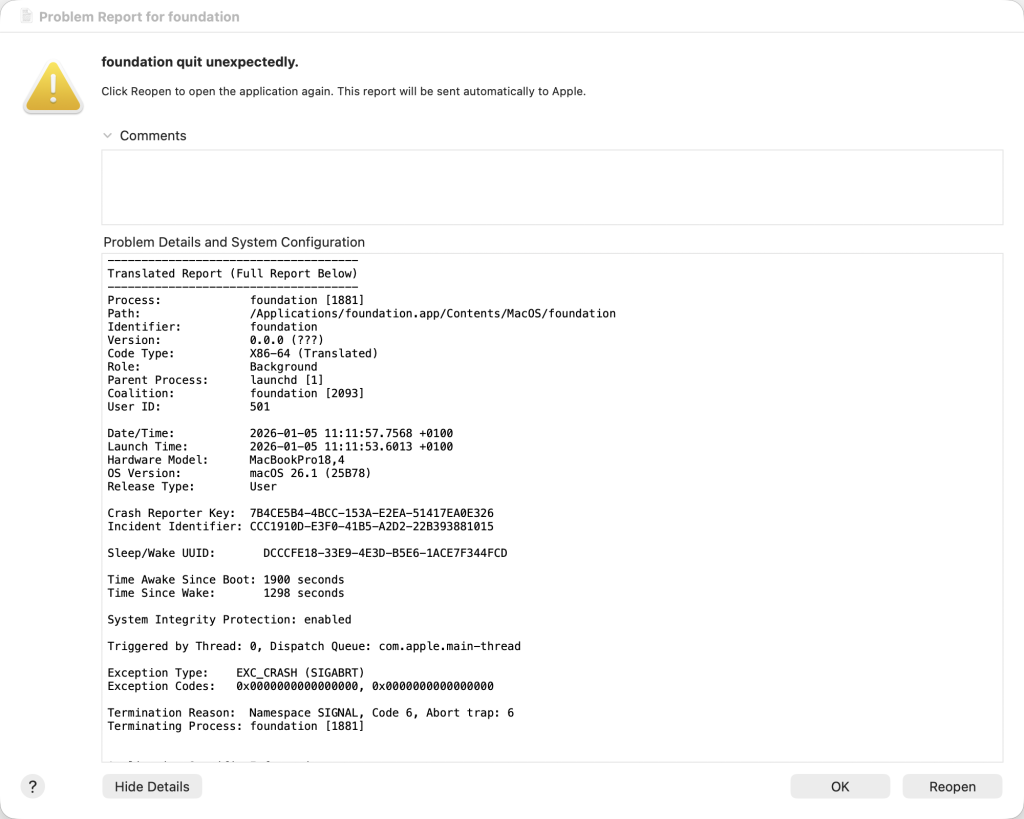
This seems to be an issue with the latest versions of the Foundation app (5.9.x and 5.10), but luckily there is a workaround.
Open your terminal and start foundation via the following command:
/Applications/foundation.app/Contents/MacOS/foundation --foreground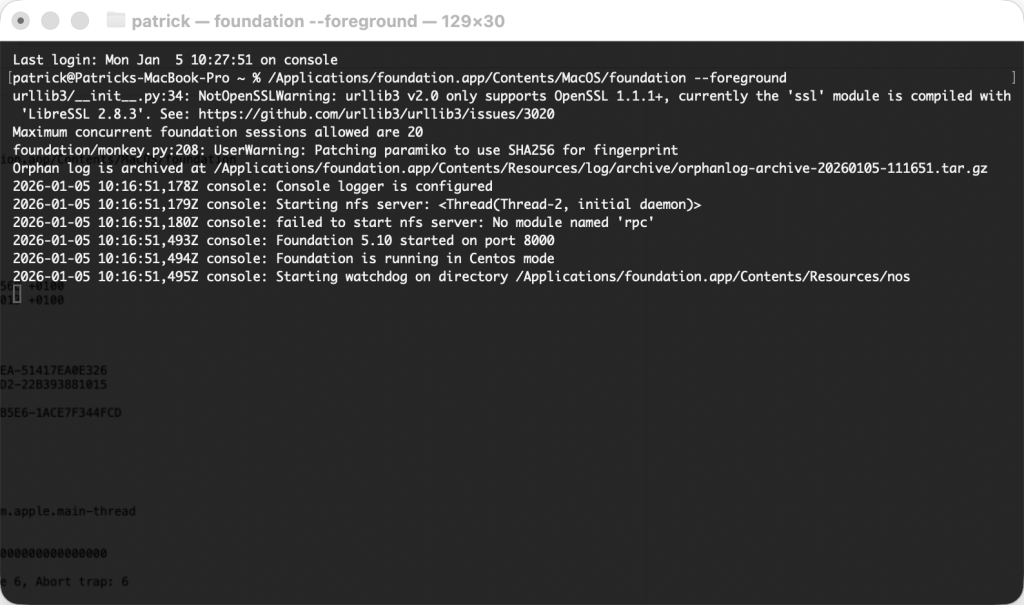
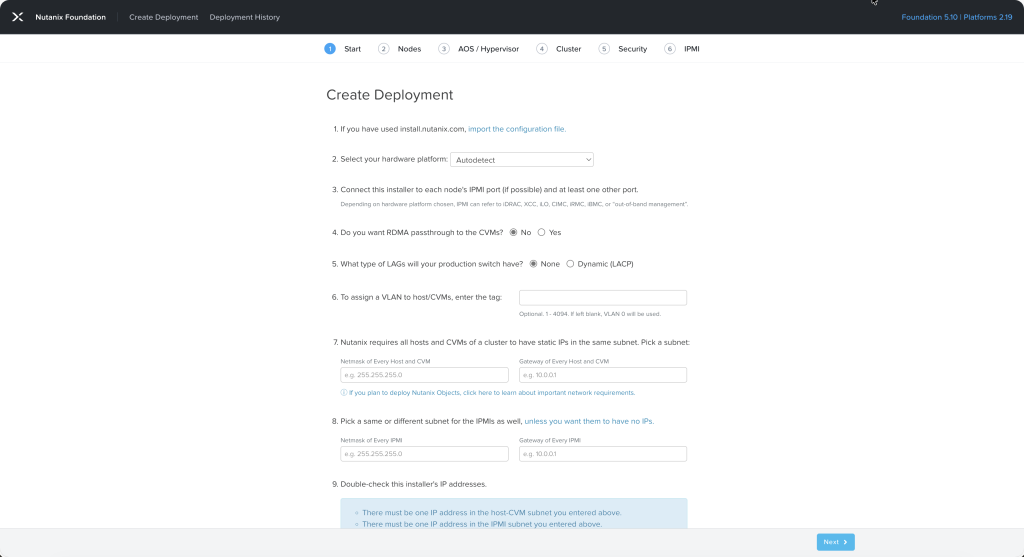
Now open your browser and go to http://localhost:8000 where you can fill in the details for your new deployment.
Issue has been documented in Nutanix KB-20066.