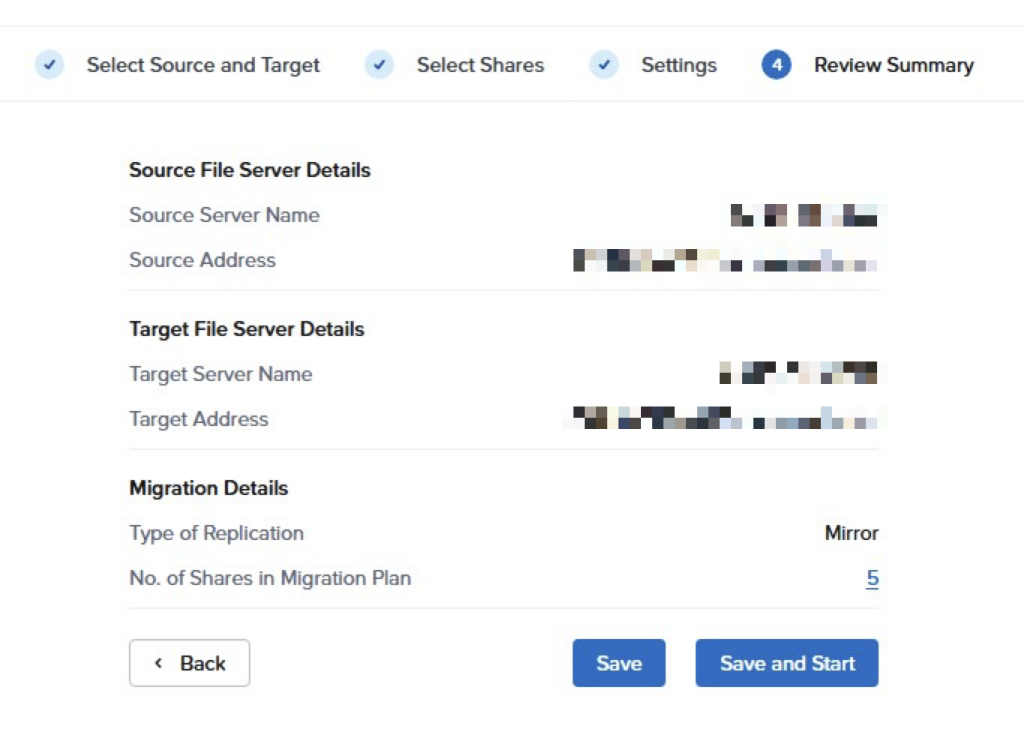
I ran into an issue with Nutanix MOVE that we were using to migrate file shares from a Windows box to Nutanix Files. Unfortunately the original MOVE appliance crashed and was unrecoverable causing issues with setting up the migration plan on a new MOVE appliance.
The issue.
In the new MOVE appliance I created the same migration plan as on the old appliance (same source/target and shares).
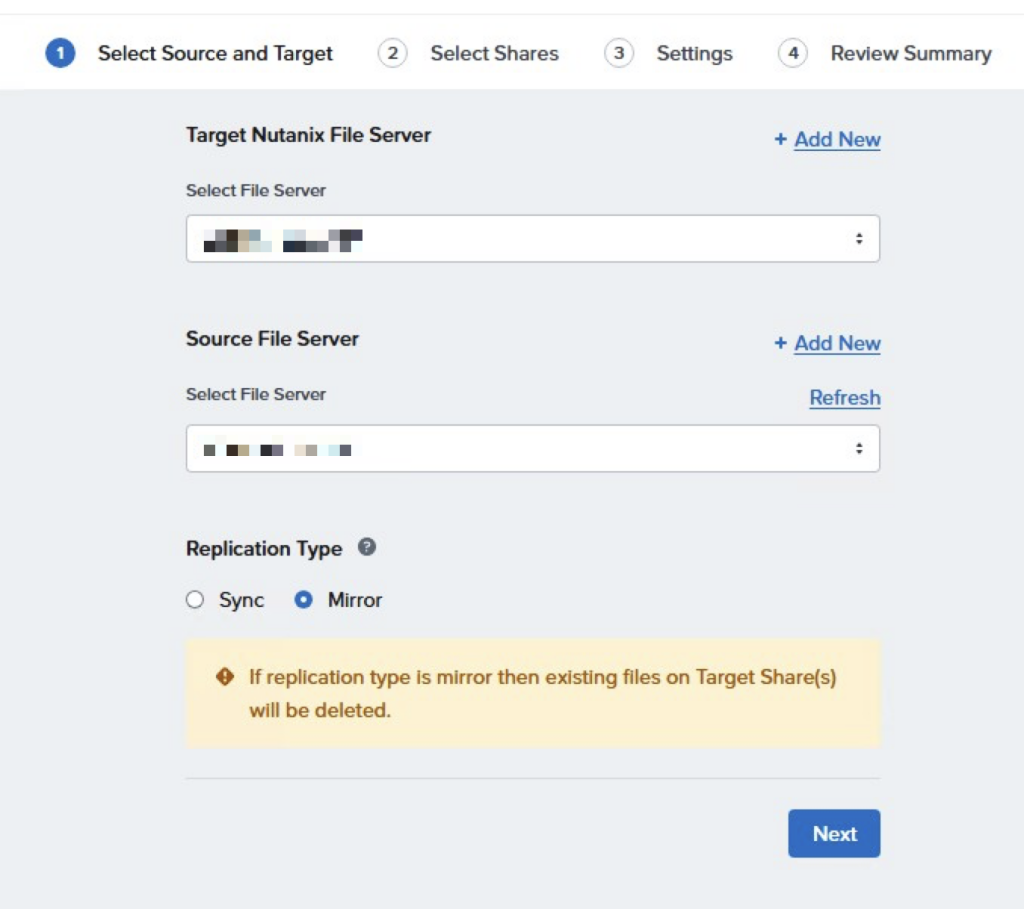
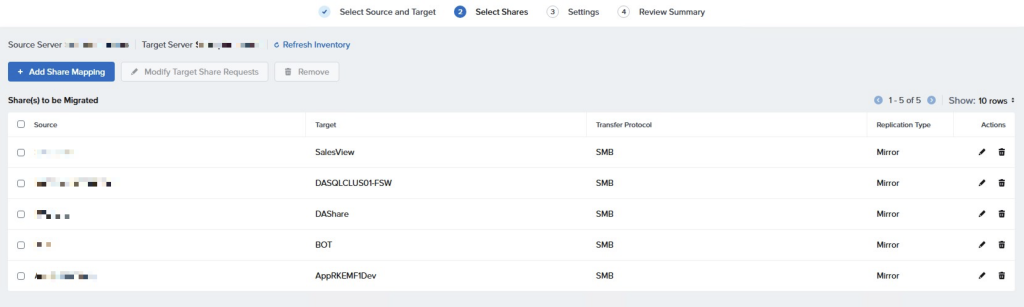
When I start the validation of the plan this fails on all of the shares stating that a plan already exists with the same target share root.
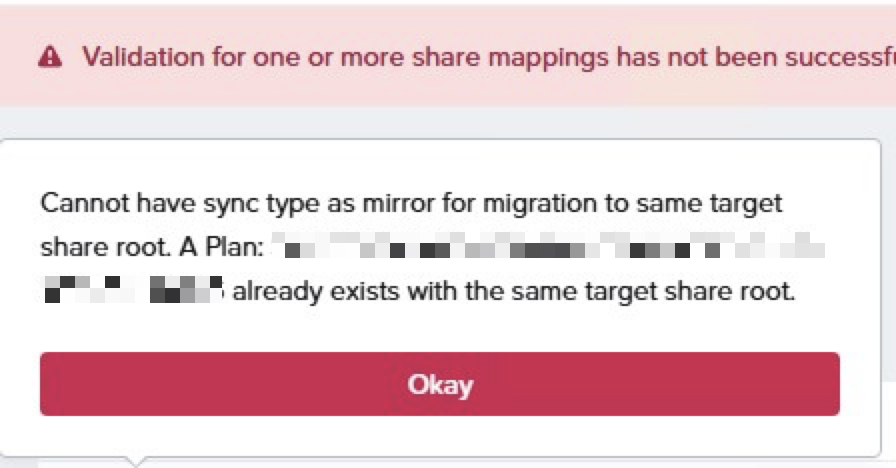
The previous MOVE appliance where this migration plan was created is not there anymore so how to delete the plan.
The solution.
Connect via ssh (using the nutanix account) to the fileserver VM and start the afs CLI (Acropolis File Services). To get an overview of the migration plans I run the command
migration.plan_list
All migration plans have a status succeeded but as there are still ongoing changes on the source file server I want to ensure the plans are recreated on the new MOVE appliance.
Now delete the migration plans originating from the old MOVE appliance using the command:
migration.plan_delete name=<PLAN_NAME>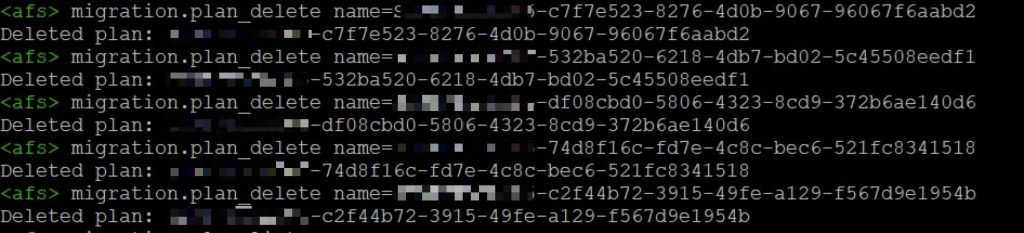
After deleting the migration plans go back to the MOVE appliance and run a Refresh inventory and click Next to revalidate the plan.
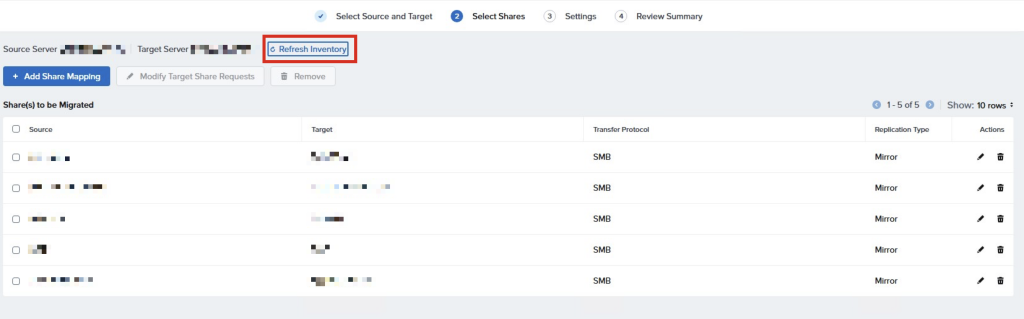
The plan is validated, no blocks anymore and we can complete the migration plan.
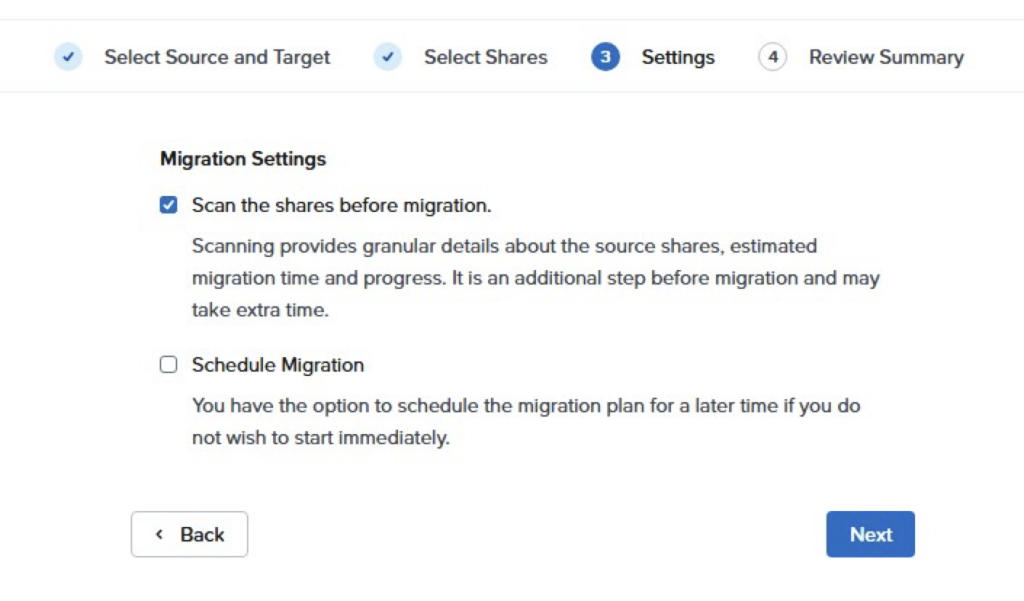
Check the Scan the shares before migration tick box to ensure you get more info on the migration process and the Schedule Migration if you don’t want to start right away.
Review the summary of the plan and hit the Save and Start button and off you go.